Change format
Sometimes, especially during the certification phases, the format of the generated files are not the same expected by the brand, and the same applies for files received by the brand. In some systems it is easy (although inconvenient) to change the configuration to process them correctly.
In these cases, the tool allows us to easily convert the file between formats.
As an example, let's see the format of file14:
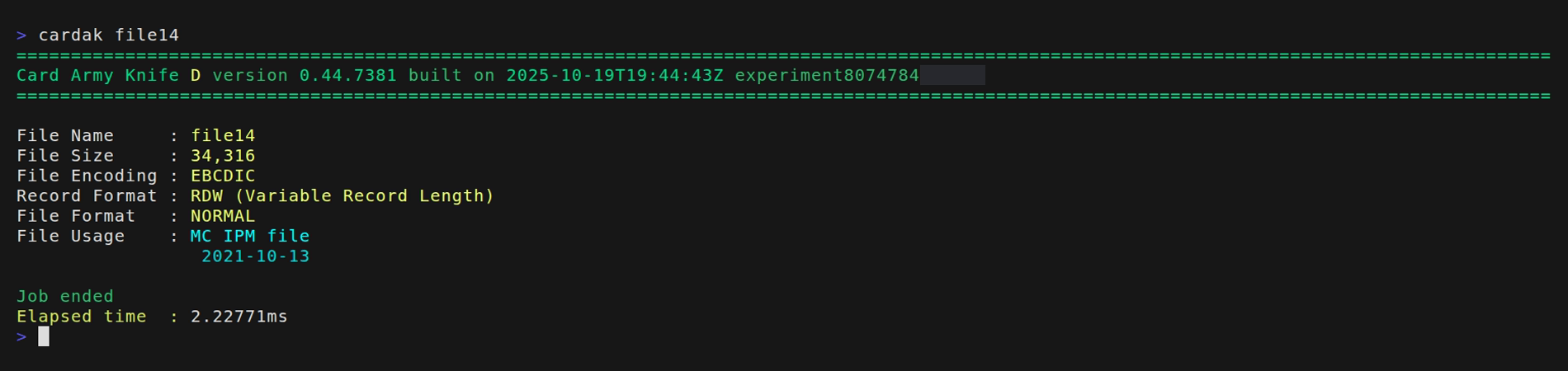
This is a file encoded using EBCDIC and it is not in blocks of 1014. Let's suppose we need to convert it into an ASCII file with blocks of 1014.
This can be easily done like this:
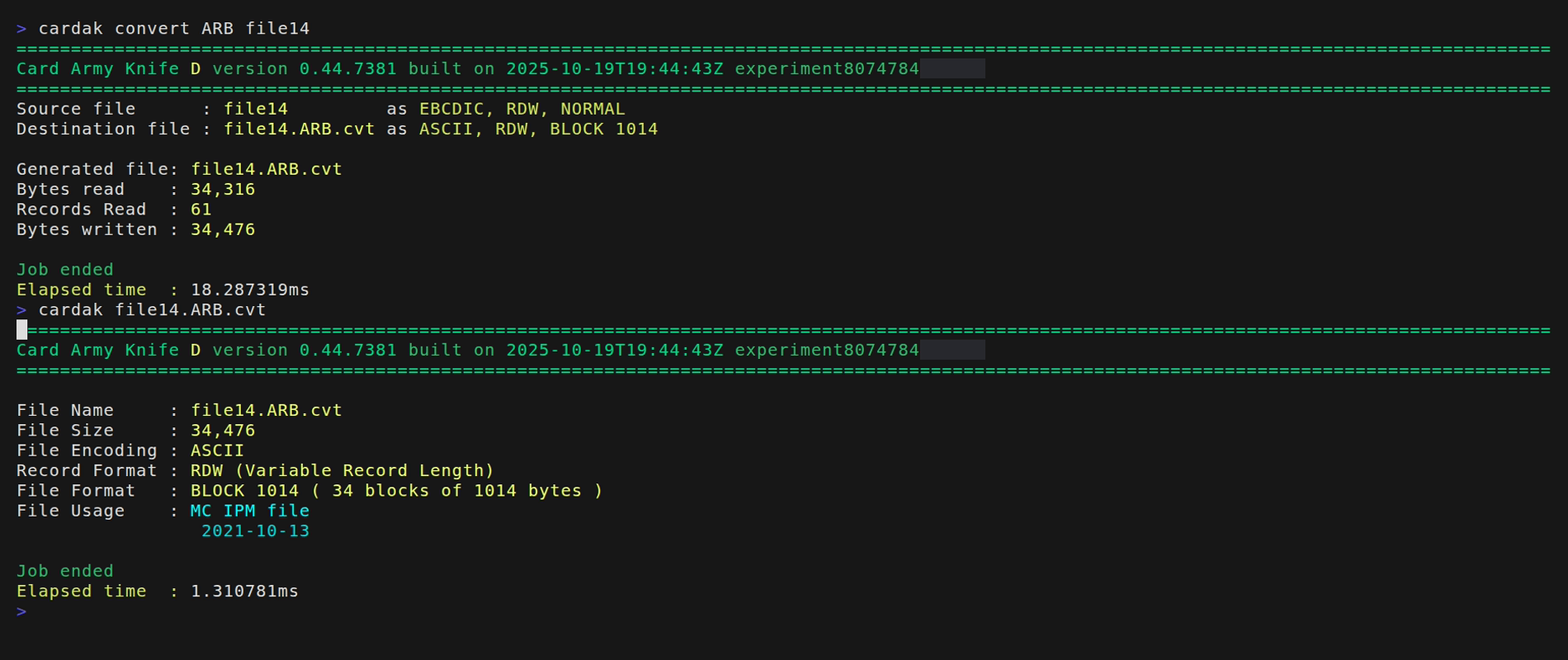
We use the CONVERT command, specifying the destination format (by using three letters representing the encoding, record type and file format). For more details please refer to the CONVERT command in the corresponding section.
The generated and converted file has the same name as the original but adding to its name the three letters representing the new format and the ".cvt" extension.
This command works with several file types, not just IPM files. We can, for example, convert MPE and some other file types.
This command can be used with one file at a time, or apply the conversion to several files at once.