Export / Import
Suppose we want to transfer records from one file to another. We can achieve this in two steps, first, exporting the desired records from the first file, and then importing those records into the second file.
For the first step we use the EXPORT command, and the second step with the IMPORT command.
For the EXPORT command we have two options, either export the records to a CSV file or to an HEX file. Both formats can be used when importing the data, but the HEX format is considered a better, more direct option, as we are sure the whole record is exported.
First let's select the records to be exported. We will use again the previous example to get the records corresponding to the merchant named "Carpinteria":
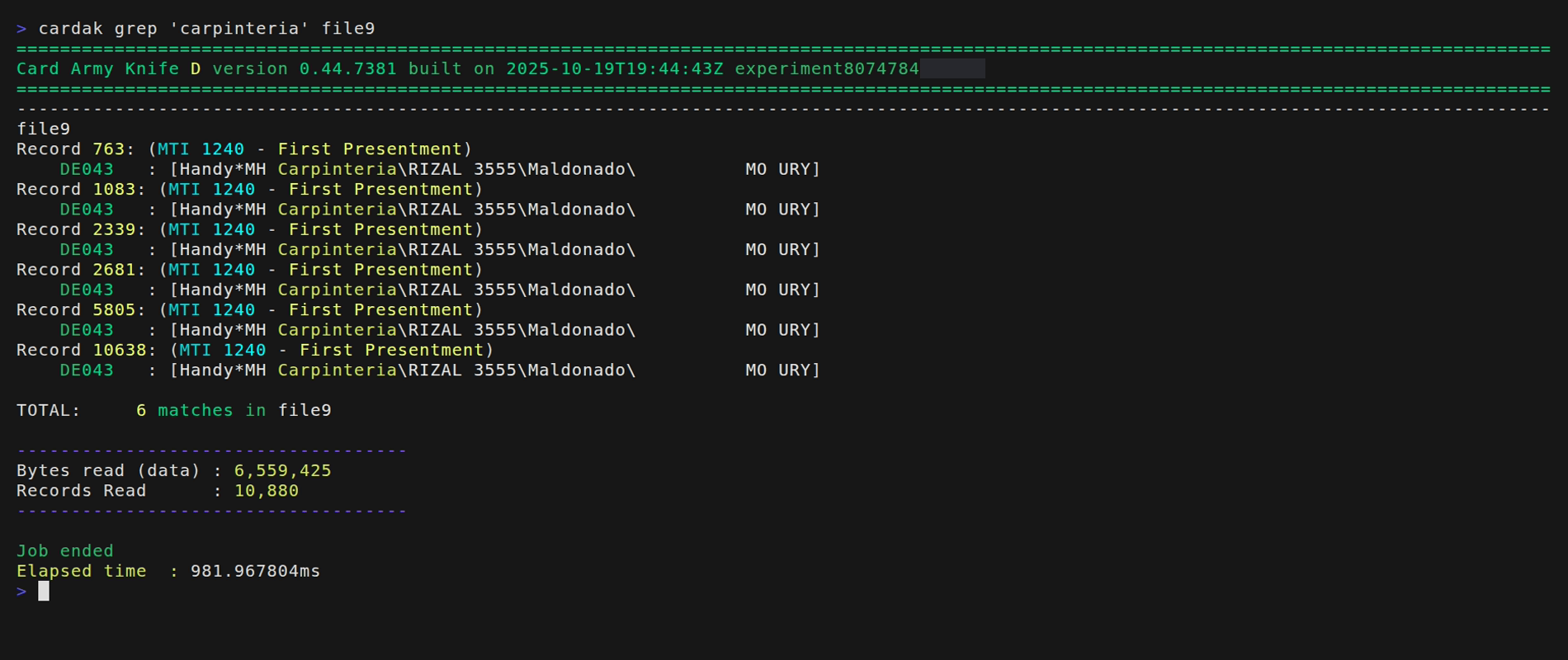
Next, we will export those records to a file in HEX format:

Then, we will import those records into the file file14 that contains, as we see, 61 records:
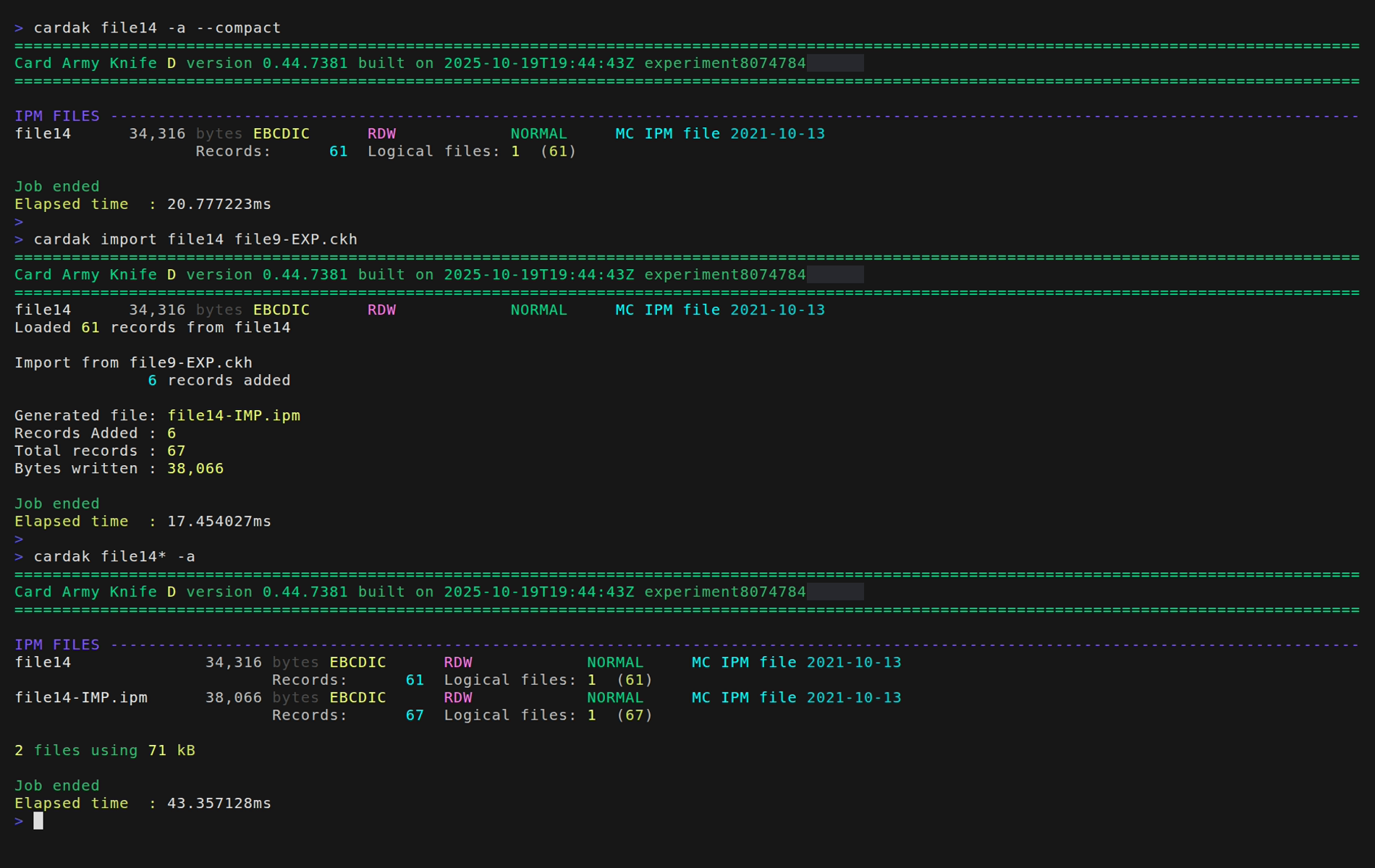
We can see that a new file named file14-IMP.ipm is created with 67 records, which are the original 61 records plus the 6 previously exported ones.