DELETE
Deletes records or fields from an IPM file
Sintaxis
$ cardak help delete
usage: cardak delete [<flags>] <file>

Delete records and/or fields from the IPM file

Flags:
      --help             Show context-sensitive help (also try --help-long and --help-man).
  -v, --verbose          Add more information displayed on some commands.
      --mono             Supress color on output.
      --ignore           Try to ignore some errors and continue processing the file
  -W, --width            Ignore small terminal width check and force execution
  -z, --silent           Suppress all output (banner, headers, summary) except the results. Specially useful for DESCRIBE command piped to a search utility
                         like fzf
  -R, --records=RECORDS  List of record numbers to be considered for deletion. Values are separated by comma (,) and ranges are indicated by the starting and
                         ending record separated by a hyphen (-)
  -F, --fields=FIELDS    List of IPM fields to be deleted (can use a filter name)
  -l, --last             Use the record numbers returned on the last GREP command
  -O, --omitdel          Do not create a file with deleted records
  -x, --export           Export the deleted records to a .ckx file (in Hex format)

Args:
  <file>  IPM file name to delete the records from
Description
This command allows to delete records and/or fields from an IPM file
The original file is not modified and by default two files are created. One of then contain the deleted records and its name is the original name plus "_DISCARD", and the second one contains all but the deleted records. Its name is the same as the original name plus "_KEEP"
If we deleted just fields, the resulting file will have “_DISCARDEDFIELDS” in its name.
In all cases, the extension ".ipm" will be added
Delete RECORDS
We need to indicate the file that contains the records to be deleted, and to indicate which records to delete we use the -R flag (please refer to the section Flags and Filters for more details)
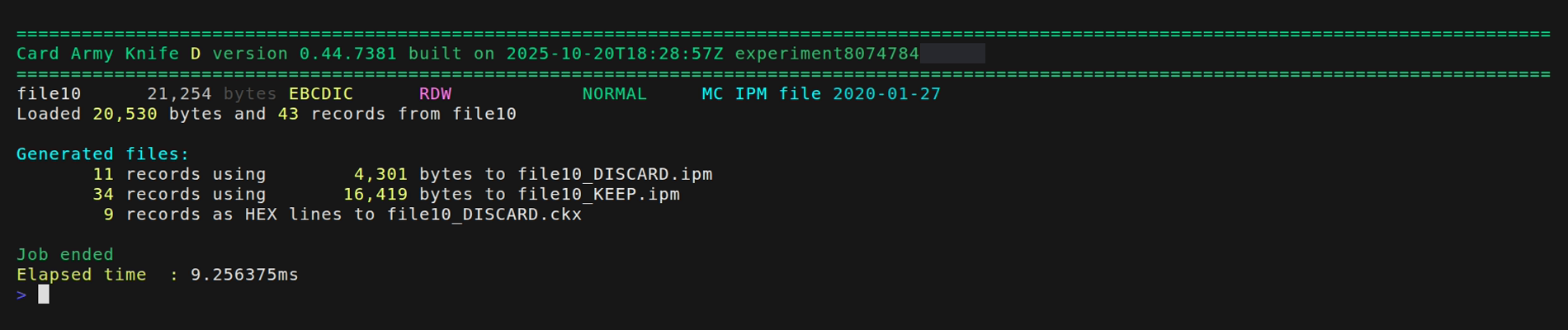
As an example, we will delete record number 5 and records from 10 to 15 in file file10
:
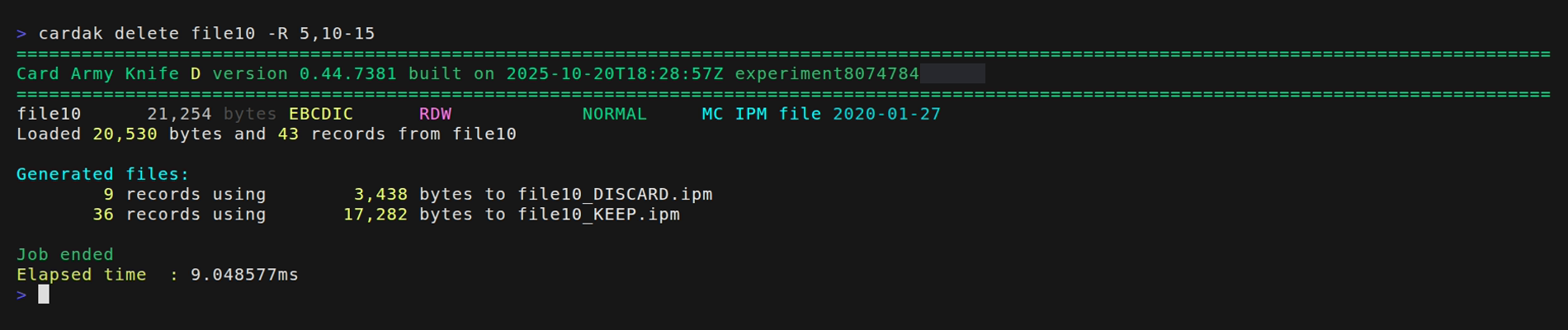
From the original 43 records, we create a new file with 9 records (the 7 deleted records plus header and trailer), and another file with 36 records (the remaining 34 plus header and trailer)
In order for the files to be processed correctly by other systems, the value of PDS0105 SF04 (File Sequence Number) of the header on the _KEEP file will contain the original value plus one, and the one on the _DISCARD file the original value plus two.
If we don't want the _DISCARD file to be generated, we can use the --omitdel (-O) flag, and using the --export (-x) flag, a file cotaining the deleted records in HEX format and with extension ".ckx" will be created, which can later be used to import those records into another file.
Delete FIELDS
If instead of full records we want to delete just some fields, we can use the -F flag to indicate the list of fields to delete. If we don't specify any records (by using the -R flag), those fields will be deleted from every record of the file that contain those fields. If we specify records, the fields will be deleted just from those records.
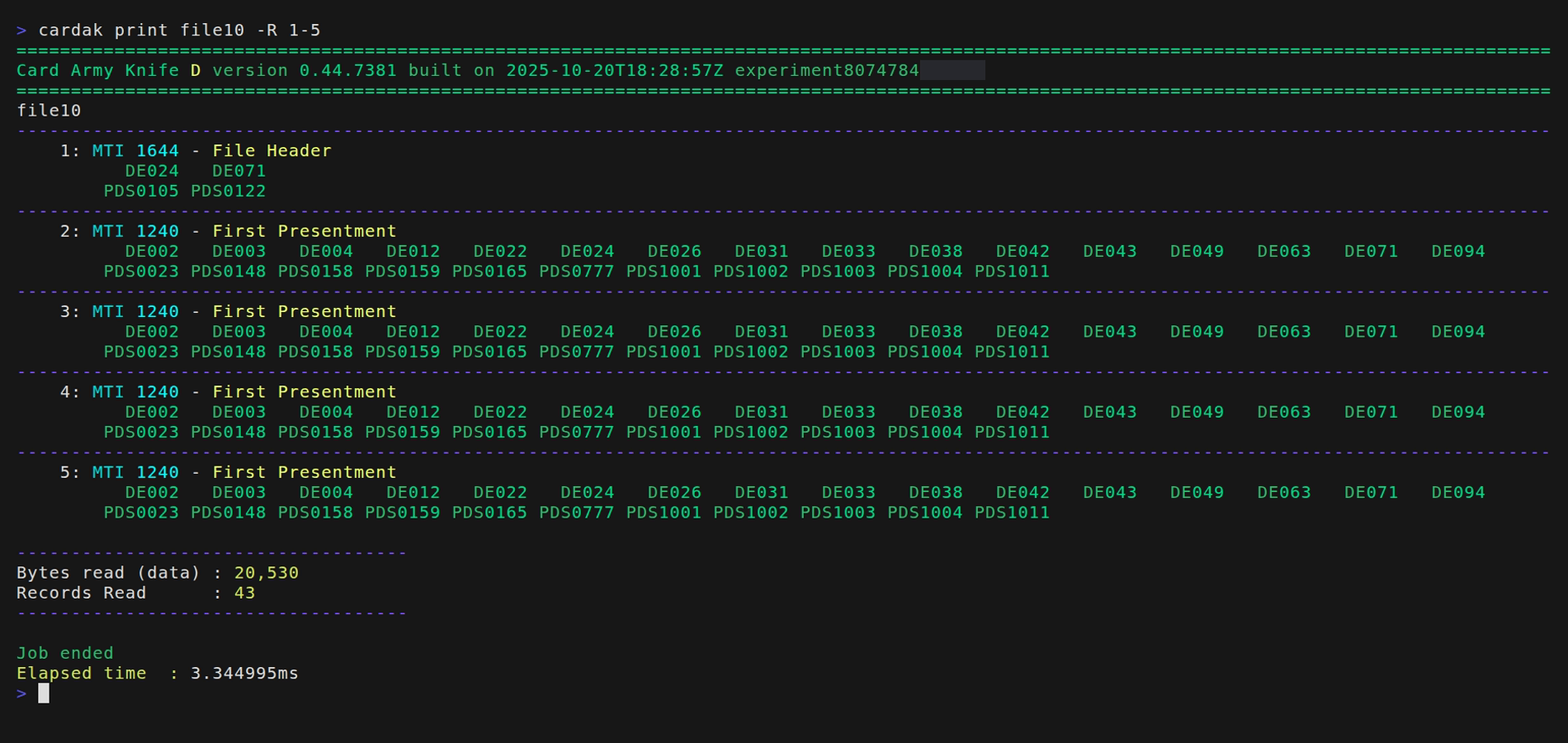
For example, let's see the first 5 records:
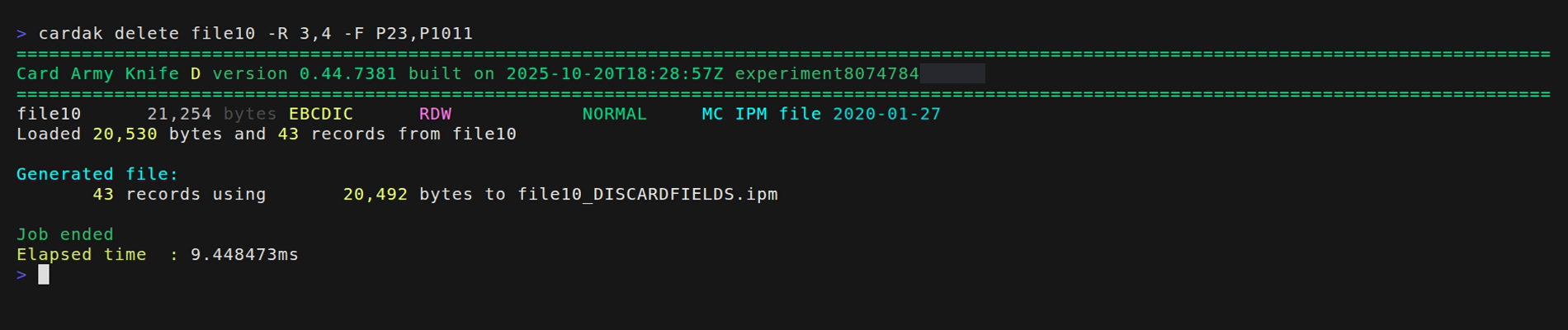
Let's eliminate fields PDS0023 and PDS1011 from records 3 and 4. To do so, we will call the program like this:
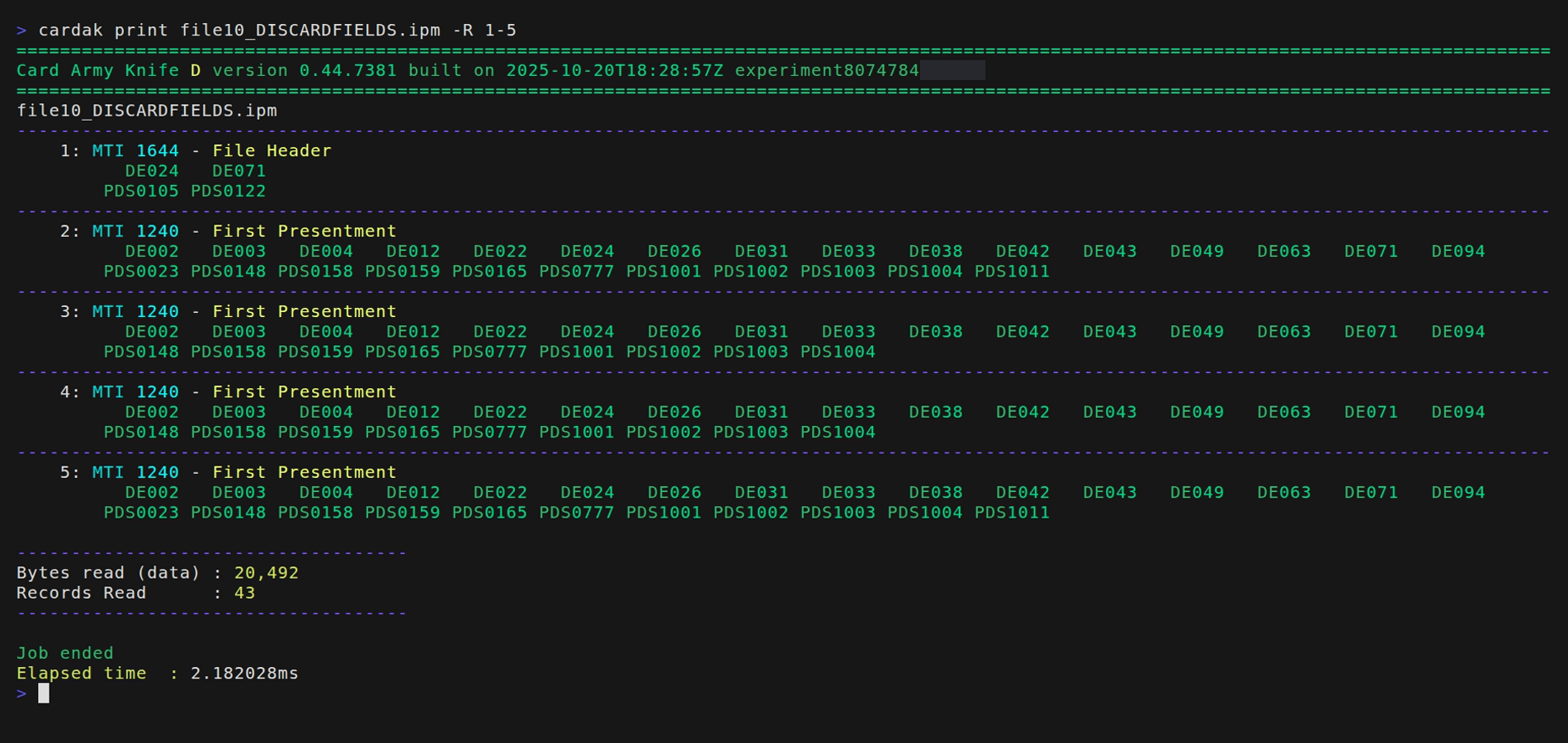
Now we will see those first 5 records of the generated file.
We can observe that records 3 and 4 don't contain the deleted fields.
It is important to note that there is no check when deleting fields, so we can eliminate mandatory fields and the resulted file can be invalid.
We can perform a validation of the generated file:

We can also generate an HEX file containing the deleted records: